CERTIFICATE OF COMPLETION – FANTASHA FARIA
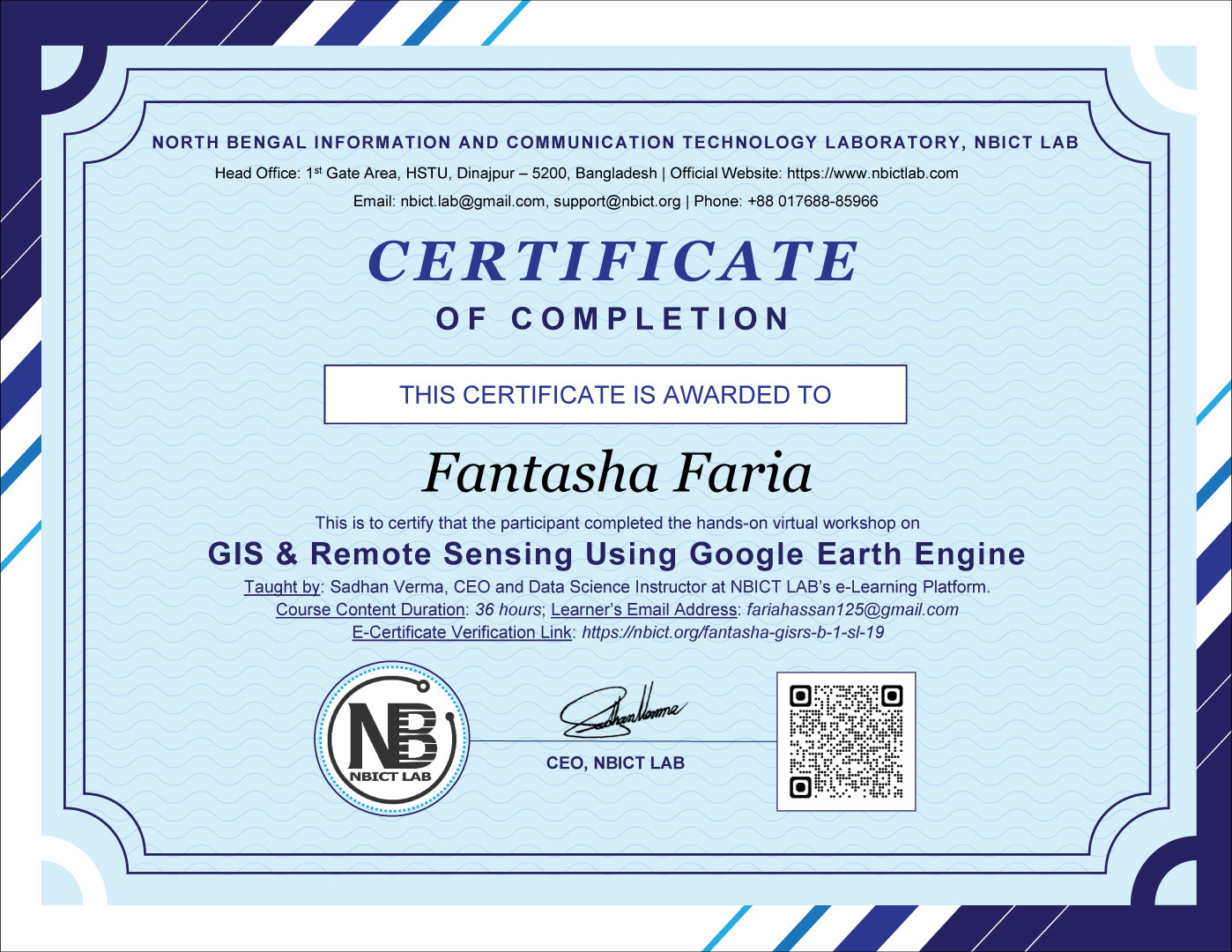
This is to certify that Fantasha Faria successfully completed the hands-on virtual workshop on GIS & Remote Sensing Using Google Earth Engine.
Taught by: Sadhan Verma, CEO and Data Science Instructor at NBICT LAB’s e-Learning Platform.
Course Content Duration: 36 Hours.
Learner’s Email Address: fariahassan125@gmail.com
Codes He/she learned: https://code.earthengine.google.com/?accept_repo=users/sadhanhstu/NBICT_LAB
Course Contents He/she Completed:
- Introduction to GIS
- What is GIS?
- What does GIS do?
- How is GIS used?
- Introduction to Remote Sensing
- What is remote sensing?
- Types of remote sensing
- What is remote sensing used for?
- Introduction to Google Earth Engine (GEE)
- What is Google Earth Engine?
- How to create an account in Google Earth Engine
- How to create a new project in GEE
- JavaScript Basics in GEE (Part-1)
- Write your first JavaScript statement
- How to write a comment in JS
- Shortcut to run a script
- Shortcut to write a comment
- Variables in JS
- Lists in JS
- Dictionaries in JS
- Writing a JS statement in multiple lines
- Saving the codes
- JavaScript Basics in GEE (Part-2)
- Functions in JavaScript
- What is a function?
- How do you write a function?
- How to get the link to a code snapshot
- How to find a dataset
- How to find a code snippet
- How to use the Inspect tab
- How to center a map in the area of interest
- Filtering Image Collections
- How to import a dataset using the GEE’s search box
- Changing an imported variable name
- Date Filters: Collecting images in a year of interest
- Location Filters: Finding images collected over a region of interest
- Metadata Filter: Finding images with less cloud cover
- Applying all the filters in a single line
- Visualizing the Filtered Images on the Map
- How to visualize the filtered images on the map
- Working with the visualization parameters
- Configuring the settings in the code
- Selecting Administrative Regions
- Adding the polygon layer all over the world
- Selecting a country
- Selecting a state/Division
- Selecting a county/District
- Selecting multiple regions
- Adding a color to the selected regions
- Giving a name to the selected regions
- Importing Data
- Obtaining a shapefile from an official source
- Downloading the required shapefile
- Uploading the required shapefile in GEE
- Investigating the Tasks Tab
- Investigating the uploads from the Assets Tab
- Importing an asset into the script
- Adding the urban layer to the map
- Selecting a target city for feature collection
- Selecting features on specific conditions
- Clipping Images
- Importing the Sentinel-2 dataset
- Importing the Global Human Settlement Urban Centers dataset
- Filtering a specific urban area
- Setting the geometry of the selected urban area
- Filtering the Sentinel-2 images for the selected urban area
- Setting the visParams to the filtered area
- Clipping the filtered images for the selected urban area
- Exporting Data
- Selecting the bands we want to export
- How to autocomplete the functions
- Exporting an image to the drive using the GeoTIFF format
- Earth Engine Objects (Part-1)
- Creating a list for a sequence of numbers
- Manipulating the items of the list using Earth Engine Objects
- Working with dates
- Earth Engine Objects (Part-2)
- Working with dates
- Computing the date 5 weeks from ‘date’
- Computing the date 6 months before the ‘startDate’
- Printing the current date
- Filtering the images of a selected location for the last month
- Visualizing the filtered images
- NDVI Calculation
- What is NDVI?
- Importing the datasets
- Filtering the target location/geometry
- Filtering the Sentinel-2 dataset
- Calculating the NDVI
- MNDWI and SAVI Calculation
- What is MNDWI?
- Calculating the MNDWI
- What is SAVI?
- Calculating SAVI
- NDBI Calculation
- What is NDBI?
- Calculating the NDBI
- Computation on ImageCollections
- Importing the data
- Selecting an admin1 region
- Writing a function that computes NDVI for an image and adds it as a band
- Visualizing the images using a nice NDVI Palette (colorbrewer2.org)
- Computation on ImageCollections (Part-2)
- Importing the data
- Selecting an admin1 region
- Building a function that calculates both the NDVI and the NDWI indices
- Returning an image with 2 new bands added to the original image
- Mapping the function over the collection
- Displaying a map of NDWI for the region
- Select the ‘ndwi’ band and clip it before displaying
- Using a color palette from colorbrewer2.org
- Cloud Masking (Part-1)
- Why is cloud masking essential?
- Sorting the image collection
- Picking the most cloudy image
- Collecting a function for cloud masking
- Visualizing the cloud masking layer
- Cloud Masking (Part-2)
- Making the environment ready (Instructor’s repository)
- Why is cloud masking essential?
- Cloud masking using Cloud Score+ S2_HARMONIZED V1
- Collecting a function for cloud masking
- Visualizing the latest cloud masking layer
- Reducers in GEE (Part-1)
- Computing statistics on a list
- Using a reducer to compute average values
- Applying a reducer on an image collection
- Calculating the mean of the bands of a selected geometry
- Reducers in GEE (Part-2)
- Calculating the mean of a particular band using the reducer
- Time Series Charts in GEE (Part-1)
- Selecting and importing the geometry
- Importing the Sentinel-2 images
- Applying date and bound filters
- Applying cloud masking
- Calculating NDVI
- Time Series Charts in GEE (Part-2)
- Creating an NDVI chart
- Improving the chart
- Exporting the chart
- Unsupervised Classification – Clustering (Part-1)
- Making the environment ready
- Selecting the region of interest
- Loading Sentinel images
- Filtering the images
- Clipping the images
- Displaying the image collection
- Unsupervised Classification – Clustering (Part-2)
- Making the environment ready (Download Codes)
- Adjusting the zoom level of the clipped image
- Creating the training dataset
- Instantiate the clusterer and train it
- Clustering the input using the trained clusterer
- Displaying the clusters with random colors
- Land Cover Classification – Random Forest (Part-1)
- Understanding supervised classification
- Feature collection from a roi to train the data
- Implementing the code in an ROI
- Land Cover Classification – Random Forest (Part-2)
- Exploring USGS Landsat 9 Level 2, Collection 2, Tier 1
- Breaking down the codes
- Explanation of the scaling factors
- Visualizing the Landsat image on the map
- Land Cover Classification – Random Forest (Part-3)
- Preparing training data for a supervised classification
- Merging multiple feature collections into a single collection
- Selecting the relevant spectral bands
- Extracting the pixel values for the selected bands
- Splitting the dataset into the training set and the test set
- Performing the land cover classification using a random forest classifier
- LST DOY Time Series Plot
- Selecting the geometry
- Importing the LST data
- Scaling the data
- Displaying LST annual variation