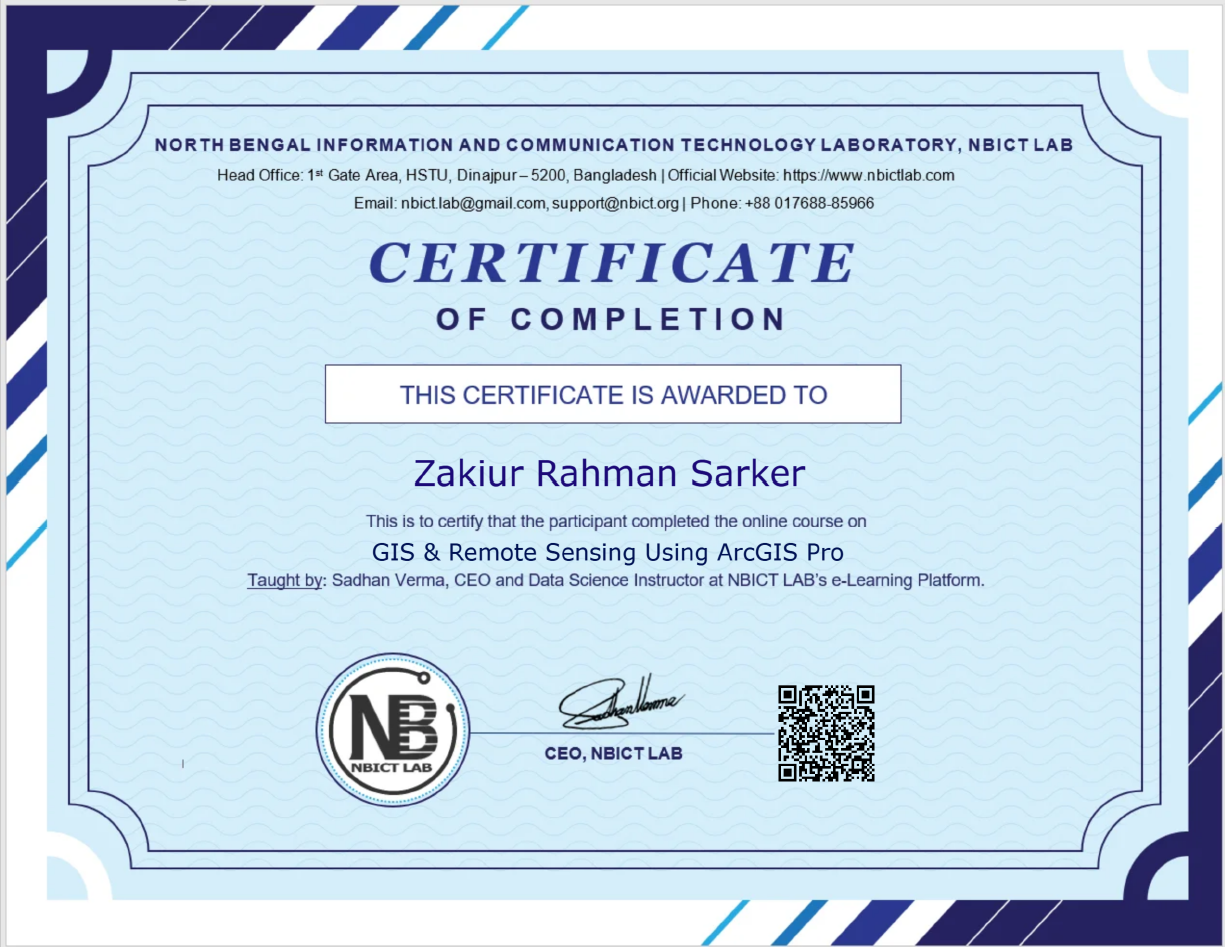
This course contains the course content of the Hands-on Virtual Workshop on GIS & Remote Sensing Using ArcGIS Pro, Batch 2.
Course Outline
- Software distribution, download, and installation.
- A brief theoretical introduction to GIS and Remote Sensing.
- Exploring the key features of ArcGIS Pro.
- Step-by-step process of creating maps, local and global scenes, and catalogue scenes.
- How to link different map types seamlessly.
- Exploring the Project, Insert, Analysis, Edit, and View menus.
- Exploring the Selection Pane and delving into various Tool Options.
- Mastering the art of symbology and crafting visually appealing and informative maps.
- Creating compelling map layouts.
- Exploring the Labeling Menu.
- Introducing the Analysis Menu and performing advanced geospatial analysis.
- How to publish maps to ArcGIS Online.
- Creating engaging web map applications.
- Sharing work with a wider audience.
- Essential data processing techniques: KML2Feature, Feature2Feature, Removing ZM Values, and Altering Field operations.
- Exploring the power of FieldView, saving, labeling visibility, generating points along features, XY coordinates, and much more.
- Exploring the creation of 3D maps.
- Building captivating map animations to enhance visualization.
- Georeferencing Techniques and Boundary Creation.
- Data integration to ensure high-quality maps.
- Solving common issues faced during mapping and analysis.
- Creating stunning maps, performing sophisticated geospatial analysis, and presenting findings effectively.
Course Features
- Lectures 31
- Quiz 1
- Duration Lifetime access
- Skill level All levels
- Language Bangla
- Students 87
- Certificate Yes
- Assessments Yes
- 11 Sections
- 31 Lessons
- Lifetime
Expand all sectionsCollapse all sections
- 1. Introduction4
- 2. ArcGIS Pro Interface4
- 3. Feature Classes and Shape Files6
- 3.1Creating Feature Classes and Shape Files (Part-1)80 Minutes
- 3.2Creating Feature Classes and Shape Files (Part-2)68 Minutes
- 3.3Creating Feature Classes and Shape Files (Part-3)60 Minutes
- 3.4Creating Feature Classes and Shape Files (Part-4)77 Minutes
- 3.5Creating Feature Classes and Shape Files (Part-5)88 Minutes
- 3.6Creating Feature Classes and Shape Files (Part-6)40 Minutes
- 4. Selection Pane and Tools Options2
- 5. Map Layout2
- 6. Labeling Menu2
- 7. Analysis Menu4
- 8. Useful Features3
- 9. Creating 3D Map2
- 10. Bonus2
- Quiz1

Certificate